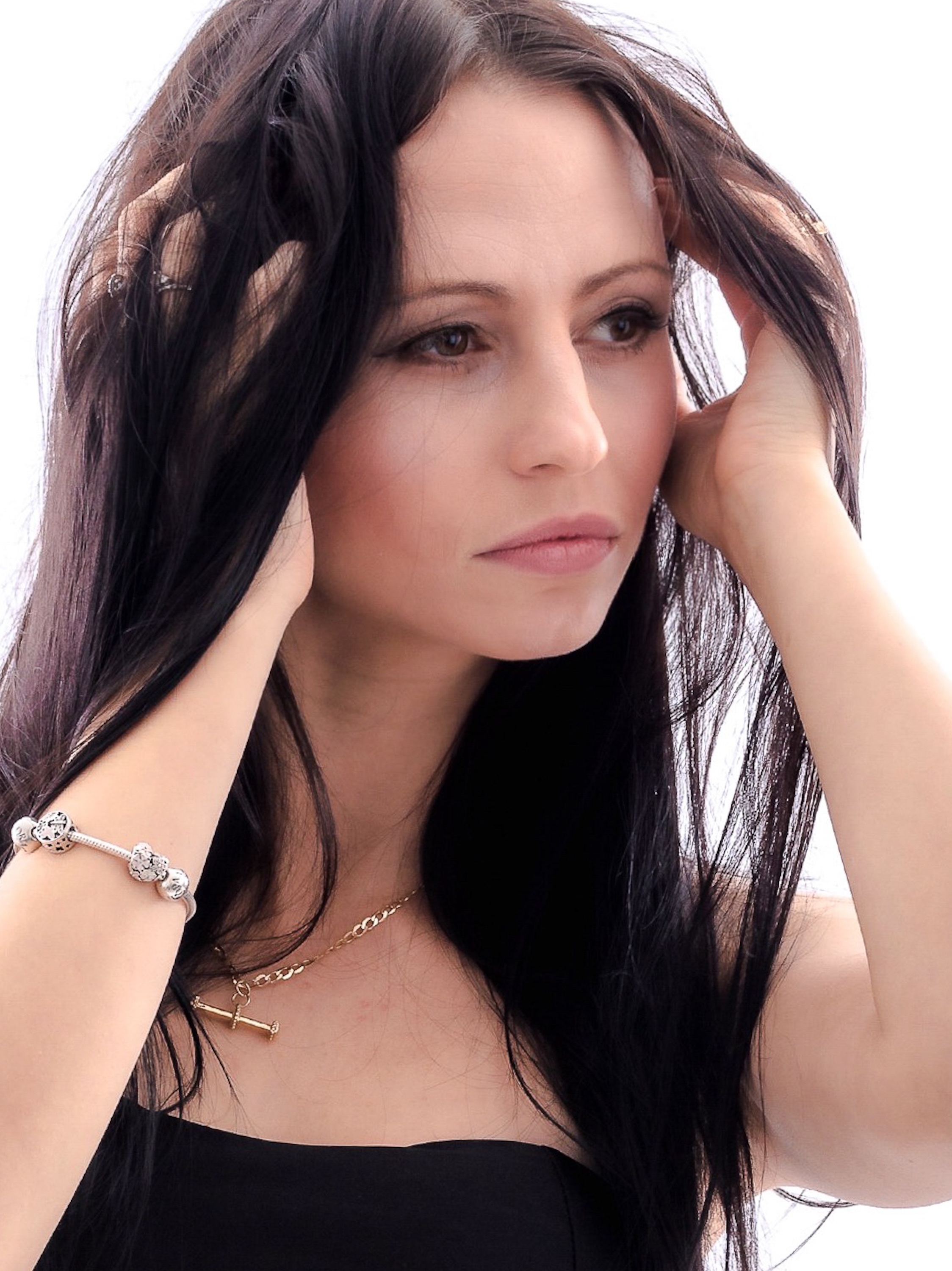
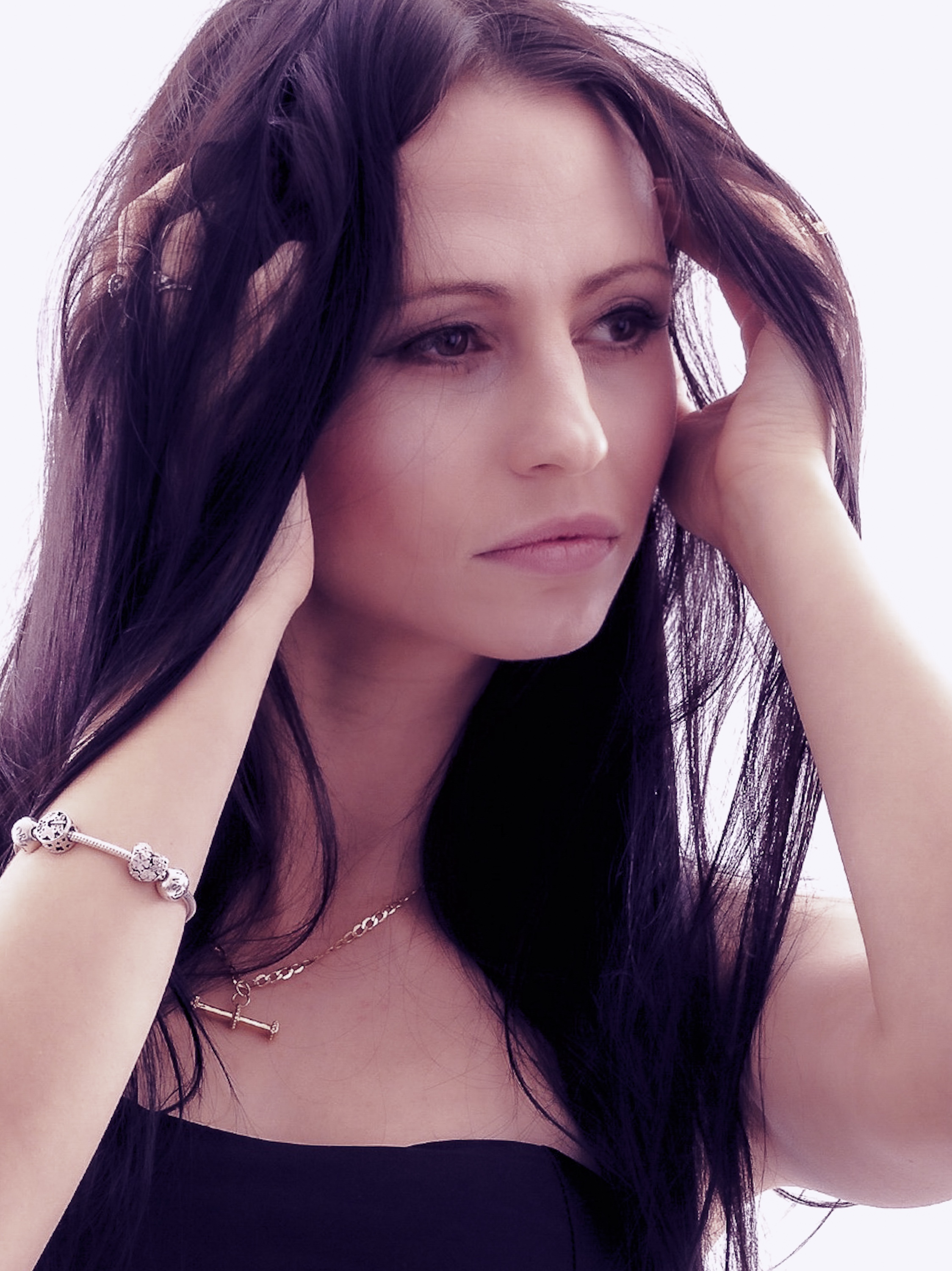
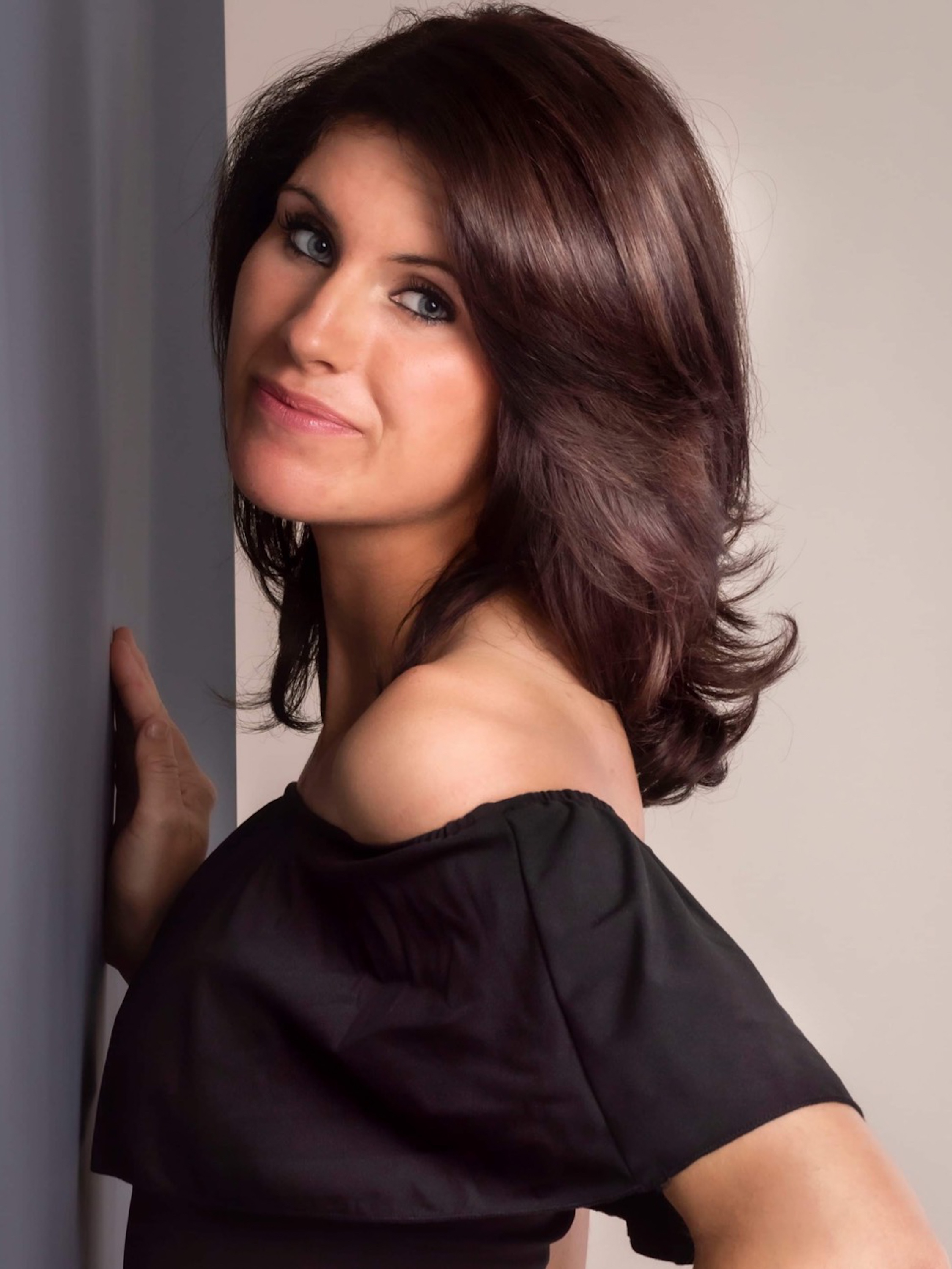
If you’re an Adobe Lightroom user these Single click editing presets will be the perfect starting point for any photographer..
The are just three of the up and coming Adobe Lightroom presets that I’m working on at the moment.
Please if you like these leave me a message and hit follow so that you’re first to see these go live !also please let me know what you think of them be great to hear 🙂
Now you all know I’m first and foremost a photographer .. a portrait and boudoir photographer predominately.. but over the last year I’ve been taking time out to gain skills in landscape and nature photography..
Also having won a number of competition with my landscape work I feel I’m doing pretty well! Like having my work shown at the fujifilm print life stand at the Birmingham photography show.
Fujifilm print life stand !
Now I know I’ve been doing short posts and running this is because I’ve been doing so many things I’ve not had time to do deep messages and long posts!
Well I’ve just started to add to that! Even more!
With a new section to my website and my Adrian Day YouTube channel this is going to be where I post tips, tricks and reviews of photography products and ideas to help all you guys and girls become better photographers and to enjoy the craft and the creative side of the industry.
But before I start posting videos and blog posts about this I would love to hear from others as to what you would like to see! .. I know what I look for but that’s me ! I don’t just want to post what I want to know .. I want to post at the needs of others !
See this could be anything for creative tips like using a prism or coloured lighting. Or it could be what I suggest to be the best lens for portraits or landscapes
It could be that you want to know about editing and how I edit my images using Adobe Lightroom or photoshop.. and what you want to learn specifically like colour toning or black and white conversion
Maybe you only have your phone to take pictures and that’s a perfectly great option as they say “the best camera is the one you have with you!” and want to know the best apps I use to edit the questions are endless!
But please feel free to comment below with your questions and I will write them all down and create future posts to answer your questions !
Also coming soon to help users of lightroom I’m going to start putting together downloadable products Things like brushes for photoshop and presets and Lut’s for both Lightroom and photoshop
These will be priced at silly prices ! So anyone can obtain them on the smallest of budgets to help them grow and learn faster! I currently have over 50 presets from colour to black and white! Ready to go! Just sorting out the website over the next few weeks to make them downloadable for you all!
There is so much more to come ! So if you have read this far please hit the follow button so that you can be notified when I post.. and as I say please leave a comment below if you find this page helpful and have a question you want answering!
Once again thank you everyone for your support and sticking with me over covid months ! It’s much appreciated!
BTW WHEN LEAVING A COMMENT .. YOU DONT NEED TO ADD EMAIL ADDRESS OR OTHER DETAILS BUT PLEASE LEAVE A NAME SO I CAN RELATE THE POST BACK TO YOUR QUESTION.. .. BUT PLEASE LEAVE A COMMENT BE GREAT TO CONNECT TO YOU ALL!
I’ve been creating a number of presets over the last 5 years that I’ve been using lightroom,
so in my presets folder I have best part of 400 different sorts from black and white to colour, to high key and low key some duo tones and many more.
Ive never really thought that others may actually benefit from what I’ve been creating until today!
So after the eureka moment I thought why not let others buy what has been working for me with my clients but do it for a low price so that even the smallest of budgets could afford them!
So in the next couple of days keep those eyes open ! For the links to my sales page.. the three black and white ones will be the start of many more that will become available on our website! So please give this blog a follow to see notifications of when the hit our store front!
Also head over to our social media pages and click follow there! I post there daily and I’m always very active with my following ! Always replying to those who take the time to comment ! Or send DM’s
wow it’s been a tough start to January! Business has been a little bit! how can I say? all over the place!
But it’s time to get back to the regular schedule and start posting on a regular basis! Showing what we are doing! How you can do it! And honestly connect with all of our amazing followers
So tonight 12 pm GMT there will be a new post coming ! This will be a second part to one of 10 things new photographers may not know section!
So please keep your eyes out for the next post! And if you’re reading this post, give it a thumbs up and hit the follow button so that you don’t miss it
Also head over to our Instagram! We have some amazing new images coming as we have just started a #365 project where I’m going to be posting a minimum of one new edit every day for the year! We are currently on day twelve, of this year and already posted fourteen images !
This weeks it’s been about looking back at some of the images Ive taken and not actually used !
There are a number of reasons as photographers we keep a back stock of images that we have taken !
Not only to document what we are creating day to day or year to year!
But it’s great to actually take those images and bring them into the present day!
Now this might sound strange! But when we take these shots as photographers we are at a level that’s constantly changing ! We are always progressing and learning new things from styles to edits to poses!
It’s great from time time to time to take a day to look through you back stock and try what we have learnt to see if we can make something extra special from those files we put aside for a rainy day!
This week I signed up to a site for learning new things from lighting and editing to posing! And I feel I’ve learnt a thing or three !
So I got out the laptop and the hard drives and picked out a few images I’ve not yet edited!
To see the bigger pictures check out our Instagram page! You will see that there is a mix of edits ! That definitely captivate !
Is anyone else loving the new colour grading tool in Adobe Lightroom mobile?
Or is it just me?
This latest update is pretty great ! In my opinion being able to adjust the four main tones of an image really can help set off an image.
This is the image before adding in colour grading
This is the image after colour grading just a little pop
Adding in colours to the Global, highlights, midtones & shadows really makes the image pop ! I found it even helps when changing an image to black and white after sending the image to photo shop
This is the black and white version posted up on Adrian day photography Instagram Post pop over and take a look I really love the way it looks in black and white nearly as much as the colour !
What do you all think about the new tool ? Have you tried it yet?!





 Adrian Day Photography